June 4, 2026 · 6 min read
What Evidence Does a SOC 2 Auditor Actually Ask For?
The exact evidence requests a SOC 2 auditor sends you, what format they want it in, and what causes audits to stall — from someone who has been on both sides of the process.
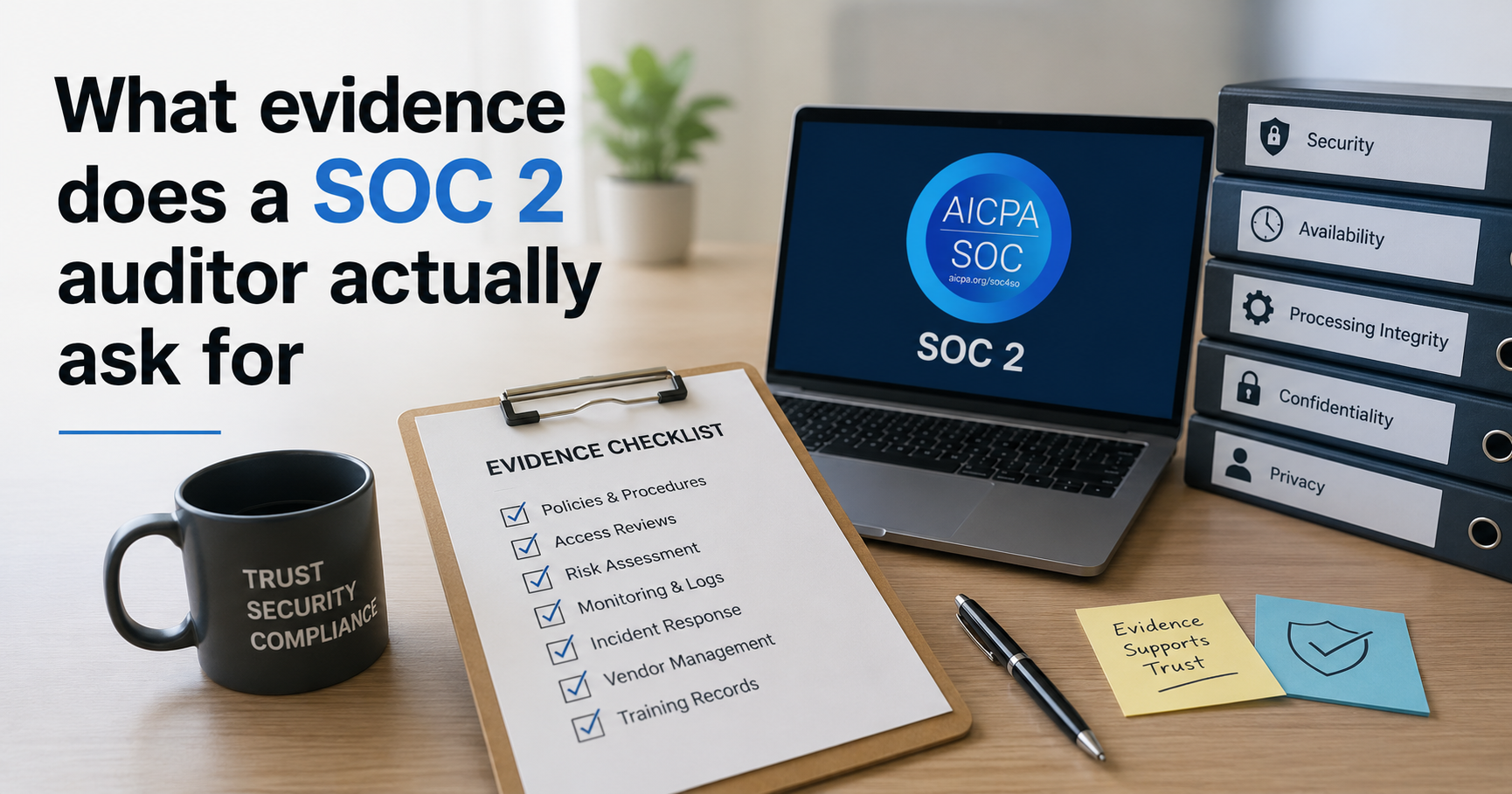
A lot of founders think a SOC 2 audit works like a security scan. Auditor logs in, checks things, tells you if you pass. That is not what happens.
The auditor never touches your systems. They send you a document called a PBC list — Provided By Client — which is a spreadsheet of every piece of evidence they need from you. You collect it, organize it, and send it back. How prepared you are for that list is what determines whether your audit takes two weeks or four months.
Here is what is actually on that list.
AWS and infrastructure evidence
IAM configuration
Auditors want a screenshot or export showing all your IAM users, their permission levels, and whether MFA is enabled for each one. They are checking that nobody has admin access who does not need it, that no users have credentials they have not used in 90 days, and that the root account has MFA enabled with no active access keys.
If you have a former employee with an active IAM user account, this is where it shows up. It gets flagged immediately.
CloudTrail
They want proof that CloudTrail is enabled in every region, not just your primary one. They also check that log file validation is turned on and that logs have not been tampered with. If you enabled CloudTrail in us-east-1 when you launched and never thought about it again, you likely have gaps in other regions that will come up here.
S3 buckets
A full list of your buckets with their public access settings. Auditors are looking for anything publicly accessible without a documented business reason. They also check for encryption at rest and access logging on buckets containing customer data.
One misconfigured bucket is enough to generate a finding that delays your report.
GuardDuty
A screenshot showing GuardDuty is active. Simple enough, but auditors often follow up by asking whether you have a documented process for reviewing findings. Just having it on is not sufficient if nobody is actually looking at the alerts.
Security groups
A list of security groups flagging any with unrestricted inbound access. Port 22 open to 0.0.0.0/0 is a guaranteed finding. So is 3306 or 5432 — database ports exposed to the internet.
RDS and data storage
Encryption at rest enabled, automated backups configured with at least 7 days retention, and instances not publicly accessible. These are quick to check but surprisingly common gaps.
Access and identity evidence
Quarterly access reviews
Auditors will ask for records showing you reviewed user access on a regular basis throughout the audit period. For Type II that means quarterly, every quarter, for the entire observation window. If you have not been documenting these, you cannot produce the evidence after the fact.
The record does not need to be elaborate. Date, who did the review, what systems were covered, what was changed or confirmed. One page per quarter is enough.
Offboarding records
Evidence that when employees leave, their access gets removed promptly. Auditors check the timing — if someone's last day was March 1st and their GitHub access was removed March 15th, that is a finding.
Policy and documentation evidence
Written security policies
All eight SOC 2 policy documents need to exist, be current, and be accessible. Auditors will ask for the actual documents, not just confirmation that they exist.
Policy acknowledgments
Proof that employees have read and signed the policies. A folder of PDFs in Google Drive that nobody has formally acknowledged does not count. You need signatures with timestamps.
Incident log
A record of every security incident during the audit period, including how it was handled and resolved. If there were no incidents, you still need a log showing the period was monitored and nothing occurred. An empty log with a documented process is acceptable. No log at all is a finding.
Risk register
A documented list of your key risks, with likelihood and impact assessments and mitigation plans. Auditors are not expecting a 50-page document. A spreadsheet with 10 to 15 identified risks, owners assigned, and status tracked is what most small company audits need.
Vendor assessments
A list of your key third-party vendors and evidence that you have reviewed their security posture. For each vendor handling customer data, auditors want to see either their SOC 2 report, a security questionnaire you sent them, or documented rationale for why you consider them low risk.
What actually causes audits to stall
Technical misconfigurations are fixable. The things that slow audits down are the documentation gaps listed above.
Teams spend months hardening their AWS environment then hand over a PBC list with no incident log, no access review records, and no signed policy acknowledgments. The auditor puts the audit on hold while you figure out how to produce evidence that should have been collected over the past year.
The fix is not complicated. Start keeping these records before your audit window opens. An access review template you fill out quarterly, a simple incident log, policies that get acknowledged when someone joins the team. None of it takes more than an hour a month to maintain once you have the process in place.
The teams that sail through SOC 2 audits are not the ones with the most sophisticated security setups. They are the ones who have been keeping clean records.
TrailProof automates the AWS evidence collection side — continuous scanning across IAM, S3, CloudTrail, GuardDuty, RDS and more, with dated PDF evidence reports. The Audit Preparation module handles the manual documentation: incident log, risk register, vendor register, access review tracker and policy acknowledgment tracking. trailproof.app
Ready to check your SOC 2 readiness?
Free interactive checklist — 65 controls, saves progress, no signup required.
Open the free checklist →